
Do you want to search in all categories or in this category ?

Here you will find everything you need to know about downloading our desktop app from the Windows Store or from our direct download link.
First of all, let’s talk about the Windows Store download. It’s quite straightforward:
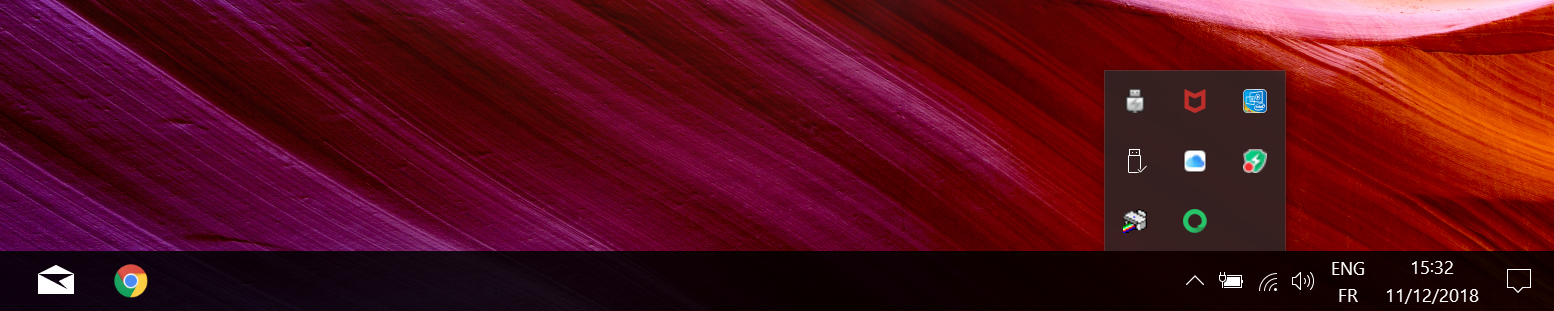
What’s important to know with our Xeno Windows app is that the notifications will appear on the bottom right of your screen only when the focus is not on the Xeno window. For instance, when it is minimized or behind another window. The Xeno icon will also appear in the bottom right-hand menu, this means that even though you clicked on the red "X" button on the top left-hand corner of the app, it is still running in the background. To quit it completely, you can right-click it from the bottom menu and select “quit”.
On the other hand, we have a link to the direct download for the desktop version of Xeno (the direct download version is the same as the Store version but can be used as a backup version if the Windows store is unavailable). All you have to do is click on it and the installer will be downloaded. From there, you can double-click on the installer and go through the classic process. That’s the only difference between the two downloads.
That's all you need to know! We hope you have fun with Xeno!


Easy steps to install our product on any platform!